
Merge PDF Files Online Free
Combine multiple PDF files into a single high-quality document.
Select PDF files
Drag and drop multiple PDF files here, or click to browse.Everything stays in your browser.
How to merge PDFs?
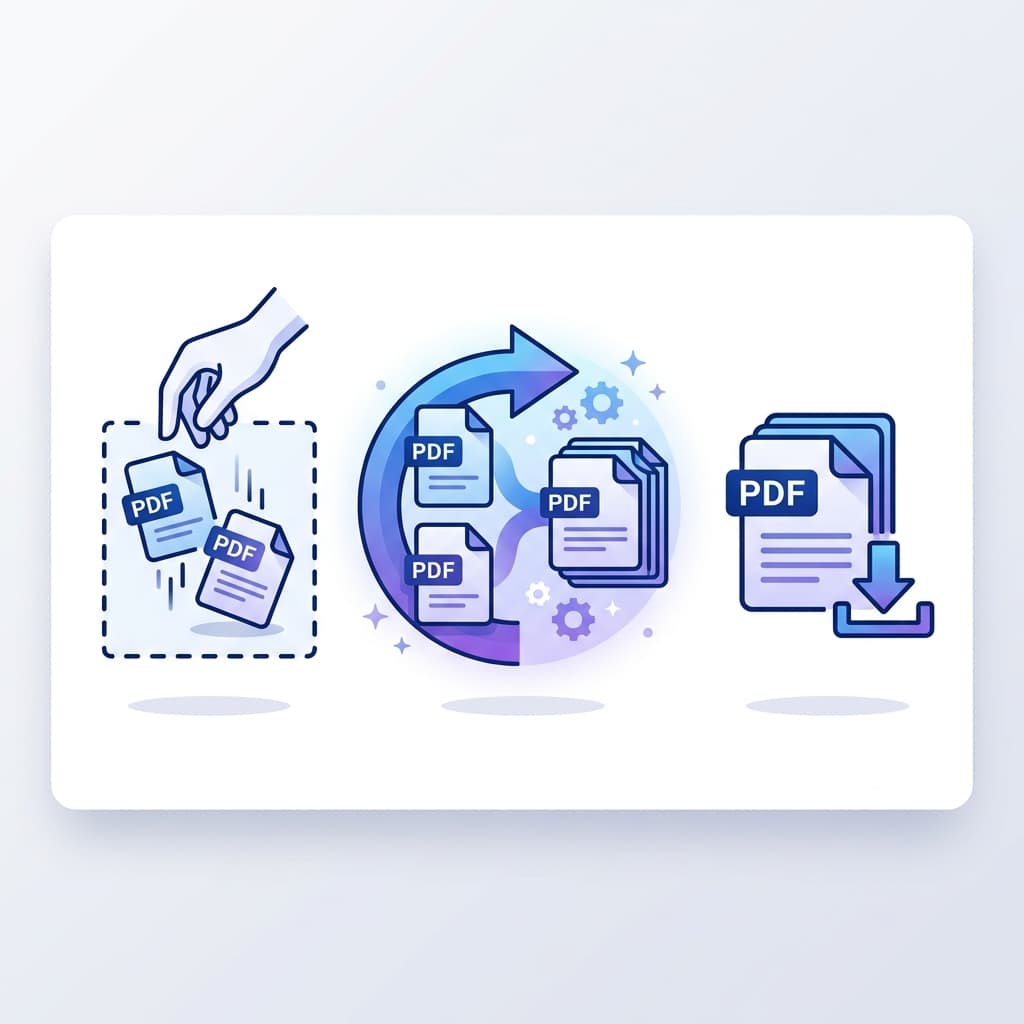
Our tool makes it simple to join your documents. Just drag, reorder, and merge. Everything happens locally in your browser, ensuring your data never leaves your device.
- 1Drag and drop your PDF files
- 2Arrange them in your preferred order
- 3Click "Merge" and download your file
Easy Reordering
Drag the file cards to arrange them in the exact order you want them to appear in the final PDF.
Secure & Private
Your files never leave your computer. We use local processing to keep your data 100% safe.
Free PDF merger built for private documents
Free PDF Combine helps you join PDF files online without creating an account, installing desktop software, or sending your documents to a server. The merge process runs in your browser, so contracts, invoices, school assignments, tax paperwork, scanned receipts, and client files stay on your own device.
Use the tool when you need to combine PDFs for job applications, legal packets, business reports, class submissions, real estate documents, or travel paperwork. Add your files, arrange them in the right order, and download one clean PDF with no watermark.
Why local PDF merging matters
Many online PDF mergers upload files before processing them. That can be fine for public documents, but it is the wrong default for private records. Browser-based PDF merging avoids upload wait times and reduces exposure because the file data is handled locally after the page loads.
Common ways to use this PDF combiner
- Merge a resume, cover letter, and portfolio into one application PDF.
- Combine invoices, receipts, and statements for bookkeeping.
- Join scanned pages from a phone or printer into one document.
- Assemble contracts, signatures, appendices, and exhibits in the correct order.
- Create one class submission from separate assignment, worksheet, and notes PDFs.
Frequently asked questions
Is this PDF merger really free?
Yes. You can combine PDF files for free without signup, subscriptions, or watermarks.
Are my PDF files uploaded?
No. The merge operation runs locally in your browser. Your documents do not leave your device.
Can I reorder files before combining them?
Yes. Drag the uploaded file cards into the order you want before creating the merged PDF.
Does it work on Windows, Mac, iPhone, and Android?
Yes. The tool works in modern browsers across desktop, tablet, and mobile devices.
Will the final PDF have a watermark?
No. The downloaded PDF is created without added watermarks.
Helpful PDF merging guides
Need something else?
Explore our other free and private PDF tools.