Tired of websites asking for your email address, demanding credit card information for a "free trial", or slapping giant watermarks across your merged documents? Discover the freedom of no-signup, browser-based PDF merging.
Why Online PDF Tools Force You to Sign Up (And Why We Don't)
Most cloud conversion websites enforce account registration for three commercial reasons:
- Lead Generation & Email Marketing: Capturing your email to send recurring promotional campaigns.
- Tracking Conversion Quotas: Limiting you to 1 or 2 files per day to push you into expensive monthly subscriptions.
- Monetizing User Behavioral Data: Tracking how often you edit documents and building user profiles.
Because Free PDF Combine runs client-side in your own browser, we have zero backend server costs per conversion. That means we don't need your email, your account, or your subscription.
How to Merge PDFs in 3 Seconds (No Account Needed)
- Go to Free PDF Combine Merger.
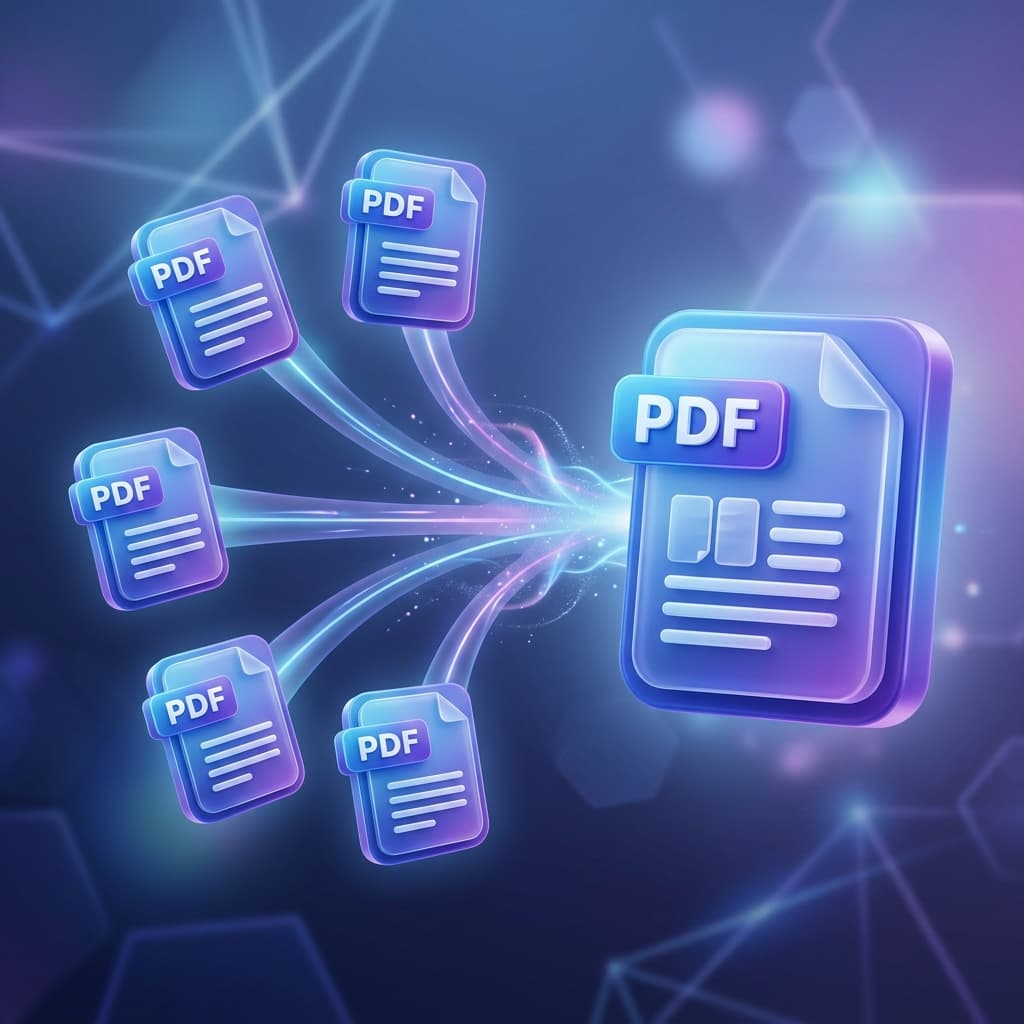
- Drag and drop any number of PDF files from your computer or phone.
- Reorder the pages if needed.
- Click Merge PDF. Your merged document downloads immediately.