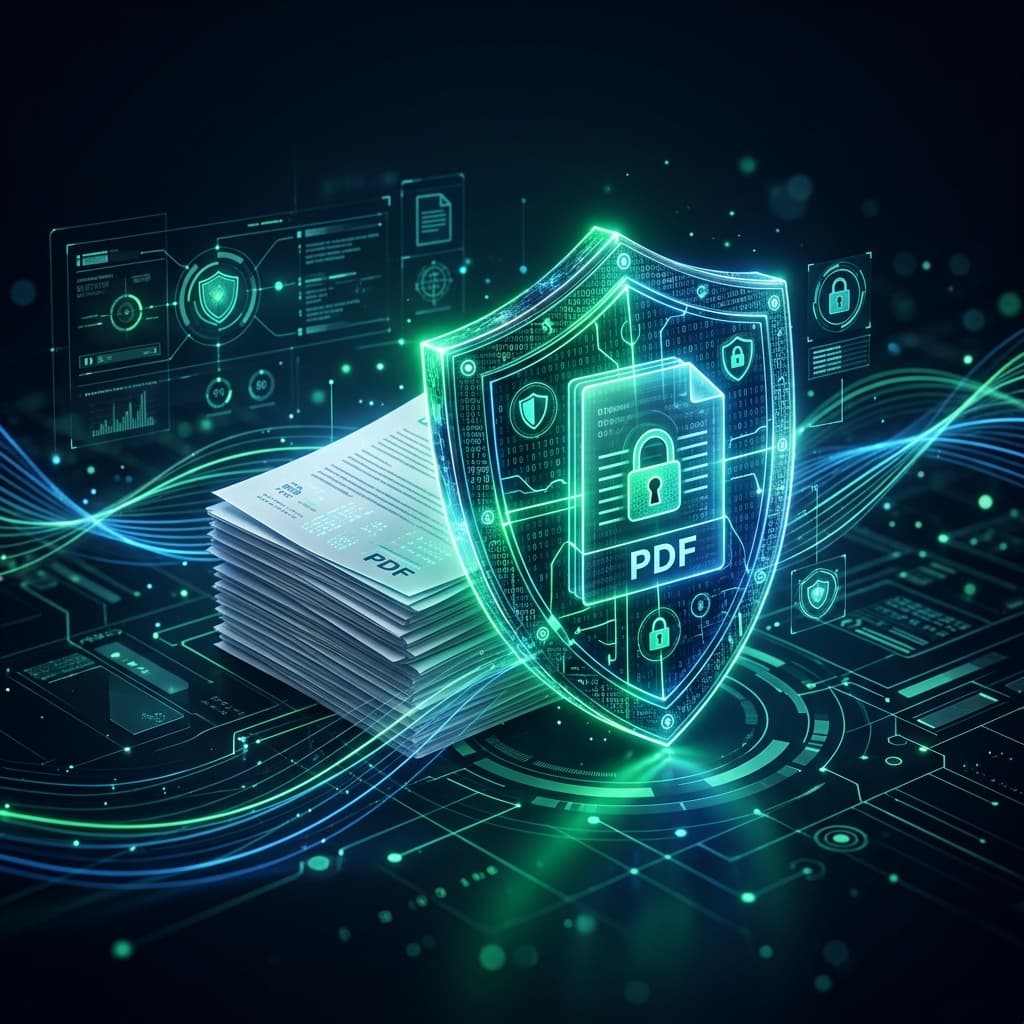
When you upload your confidential tax returns, medical records, legal contracts, or bank statements to a "Free PDF Merger" website, where do those files actually go? Discover the cybersecurity risks of cloud-based document utilities and how client-side zero-trust architecture protects your sensitive data.
The Hidden Architecture of Traditional Cloud Converters
Most traditional PDF converters operate on a 4-step server model:
- Upload Transmission: Your document is transferred over HTTPS to a remote cloud server.
- Server-Side Storage (Disk Write): The file is written to temporary server disk storage where backend Linux tools process it.
- Download Link Generation: A unique URL is generated pointing to the processed file in the cloud cache.
- Retention Window: Sites promise to delete files within "1 to 24 hours"—meaning your confidential data sits on an external server for hours or days.
The 4 Major Cybersecurity Vulnerabilities
1. Server Bucket Misconfiguration
Improperly secured cloud storage buckets can expose millions of uploaded customer files to automated search scrapers and data brokers.
2. Rogue Internal Access
Employees or contractors with root access to conversion server clusters can inspect uploaded PDFs containing Social Security Numbers or banking details.
The Solution: Client-Side Zero-Trust Processing
Free PDF Combine operates under a Zero-Trust privacy model. Using WebAssembly and HTML5 File APIs, your browser performs all PDF merging, splitting, and rendering directly in your device's local memory (RAM).