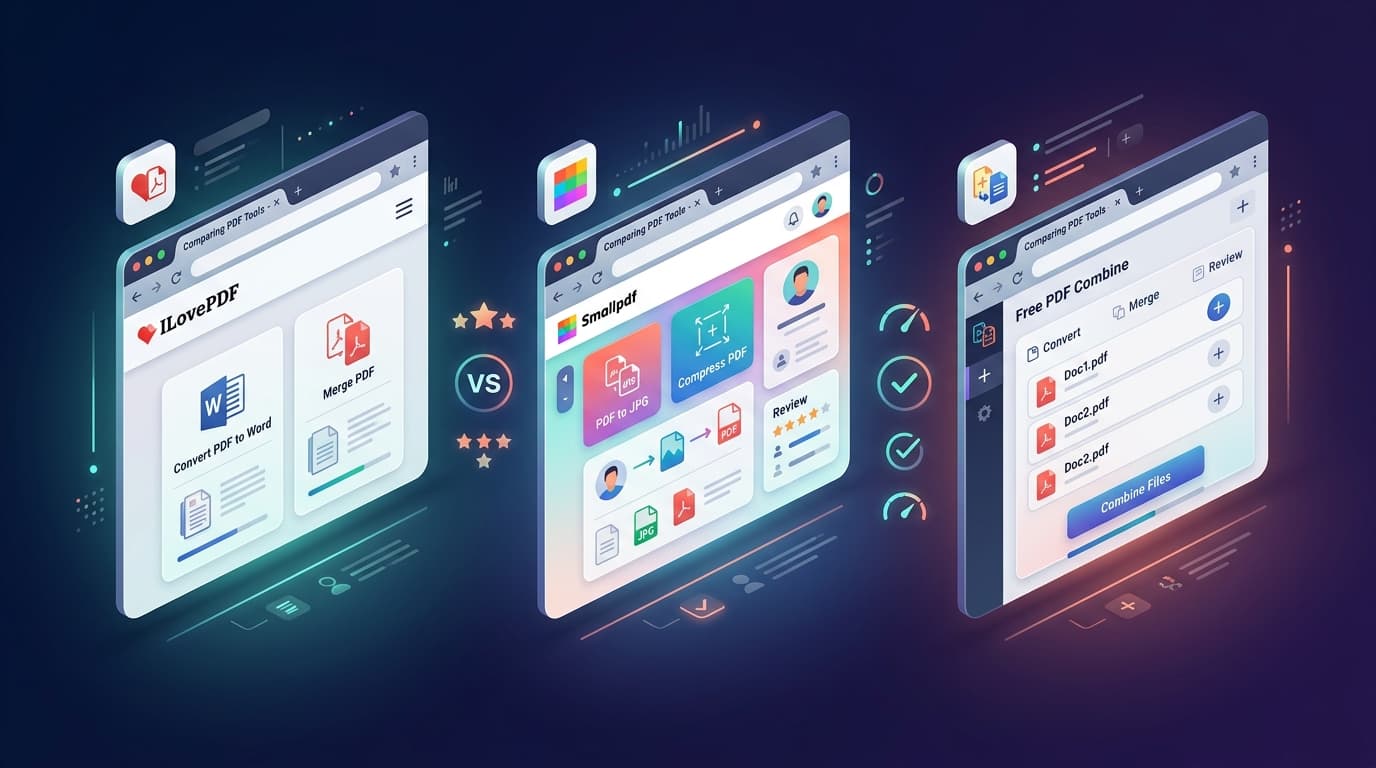
Looking for practical, free ways to combine PDF files on Windows 10 and Windows 11 without paying for an Adobe Acrobat subscription? Whether you need a 1-click browser utility, built-in Edge tricks, or automated PowerShell scripting, here are the top 5 methods for Windows users.
Method 1: Free PDF Combine (Fastest & 100% Private in Browser)
For 95% of everyday tasks, our client-side Free PDF Merger is the easiest and most secure option on Windows:
- Open Microsoft Edge, Chrome, or Firefox and go to Free PDF Combine.
- Drag and drop your Windows PDF files into the browser window.
- Arrange the cards into your desired sequence.
- Click Merge PDF Files → download your combined file to your Downloads folder.
Method 2: Microsoft Edge PDF Viewer (Built-in Windows Trick)
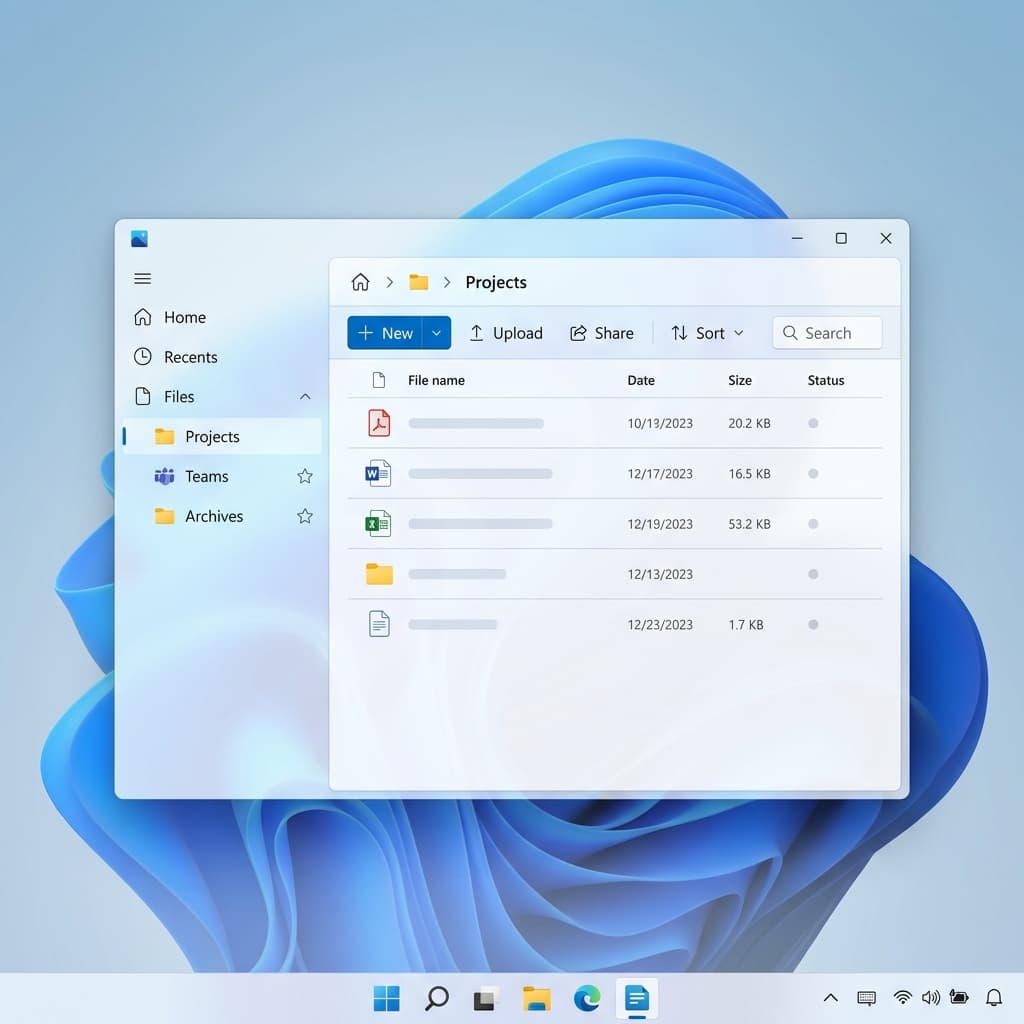
Windows 11 comes with Microsoft Edge as its default PDF reader. You can use its Print to PDF engine for basic sequential extraction:
- Open the PDF file in Microsoft Edge.
- Press Ctrl + P to open Print settings.
- Select Microsoft Print to PDF as the printer destination.
- Select the specific pages you need and save the output.
Method 3: PDF24 Creator (Offline Desktop Suite)
If you frequently work in offline environments without internet access, PDF24 Creator is an open-source Windows desktop installation that combines files locally.
Method 4: Adobe Acrobat Reader Free (Workaround)
While the free Adobe Acrobat Reader disables the "Combine Files" button behind a paywall, you can view documents side-by-side and use the virtual print driver to save individual segments.