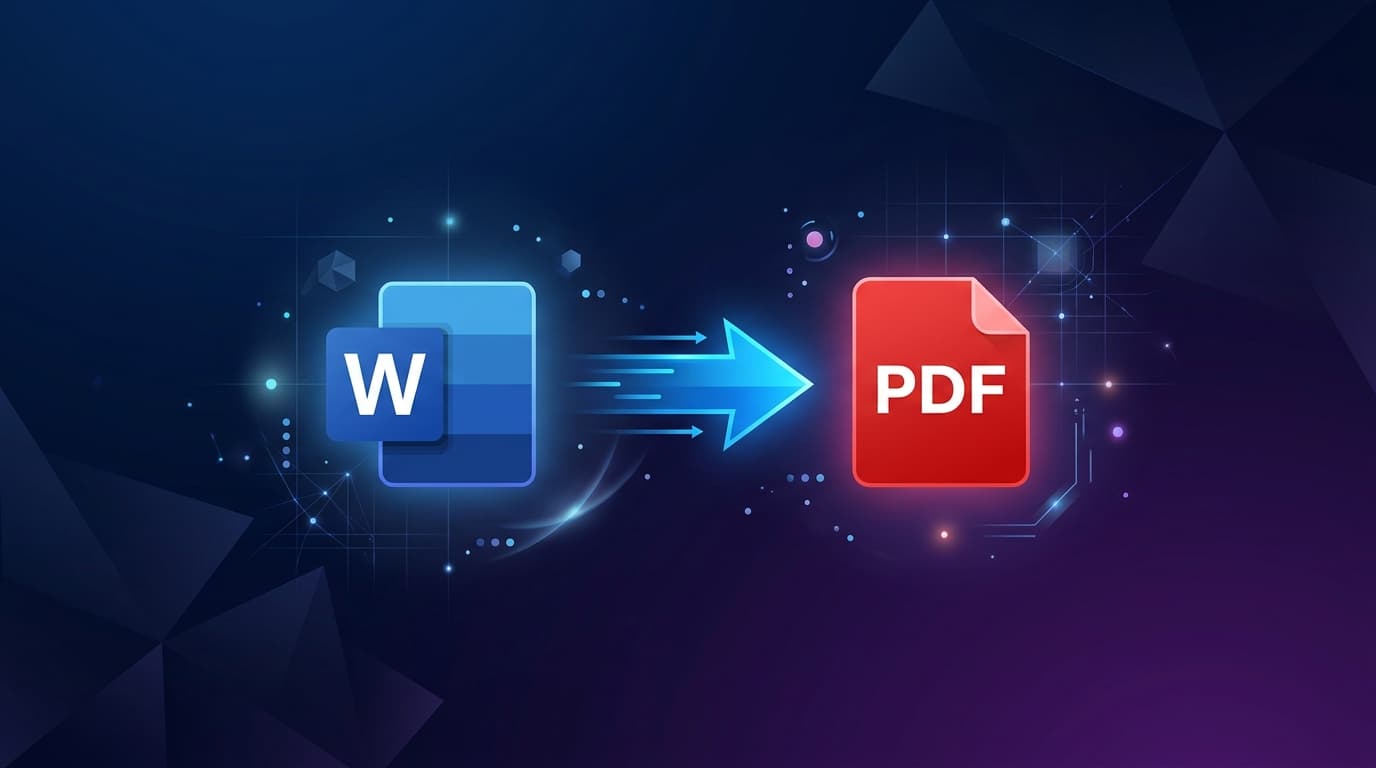
Whether you are preparing a multi-exhibit legal packet, assembling an academic research binder, or organizing financial tax documents, mastering PDF merging ensures professional, streamlined document management. Here is your definitive master guide.
Merging vs. Combining: What Is the Difference?
While often used interchangeably in casual conversation, document professionals distinguish between two key concepts:
- PDF Merging: Stitching multiple PDF documents end-to-end into a single sequential PDF file (e.g. combining Chapter 1.pdf and Chapter 2.pdf).
- PDF Combining / Binder Assembly: Integrating heterogeneous digital assets—including PNG diagrams, scanned JPG certificates, and text documents—into a structured master packet.
The 5-Step Professional PDF Merging Checklist
- Standardize Page Orientation: Ensure all landscape charts and portrait text pages are correctly oriented before joining using Rotate PDF.
- Prune Unwanted Pages: Remove blank divider pages or scanning slips using Split PDF.
- Sequence File Cards: Arrange files in logical chronological or alphabetical order.
- Execute Local Merge: Join documents in local memory via Free PDF Combine.
- Optimize File Size: Compress the combined file using Compress PDF to ensure it attaches effortlessly to emails.