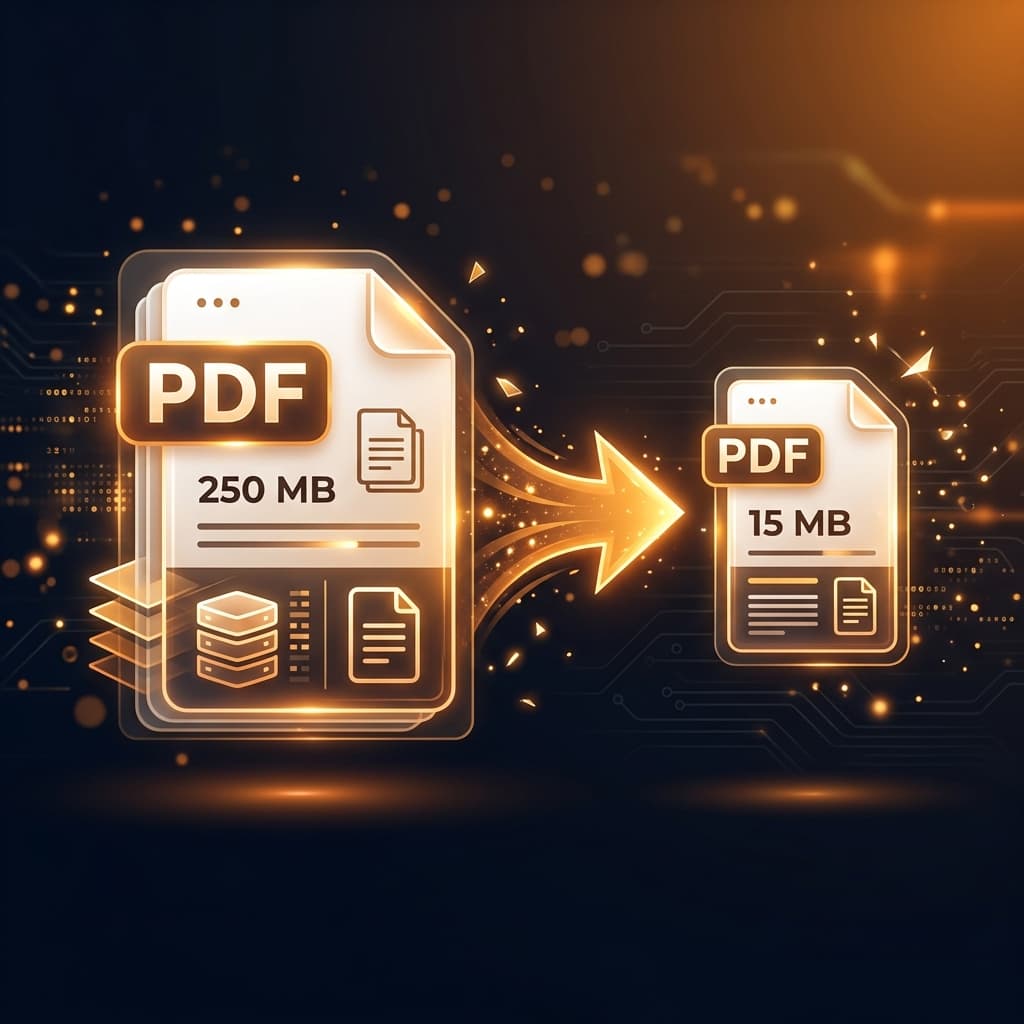
PDF files that are too large to email, upload to university portals, or attach to government job applications are a common headache. Learn the technical mechanics of PDF file compression and how to shrink documents by up to 80% without blurry text.
Where Does PDF File Bloat Come From?
- Uncompressed Raster Images: Smartphone camera scans often embed raw 4K images (5MB–10MB per page) into the PDF.
- Full Embedded Font Sets: Including entire font libraries with thousands of unused glyphs instead of subsetting.
- Redundant Metadata: Editing software caches previous revisions and thumbnail streams.
Method 1: Free PDF Compressor (Intelligent Browser Downsampling)
Our Free PDF Compressor strips metadata, subsets embedded fonts, and resamples bloated images to optimal web DPI:
- Open Free PDF Compressor.
- Upload your heavy PDF document.
- Select your compression level (Recommended: Medium for balanced sharpness and 60-80% file size reduction).
- Click Compress PDF and download the lightweight output file.