Mac users don't need to pay hundreds of dollars for Adobe Acrobat Pro or subscription PDF editors. macOS includes powerful built-in tools like Apple Preview and Finder Quick Actions that make combining PDFs fast, seamless, and completely free.
Method 1: Apple Preview (Visual Thumbnail Drag-and-Drop)
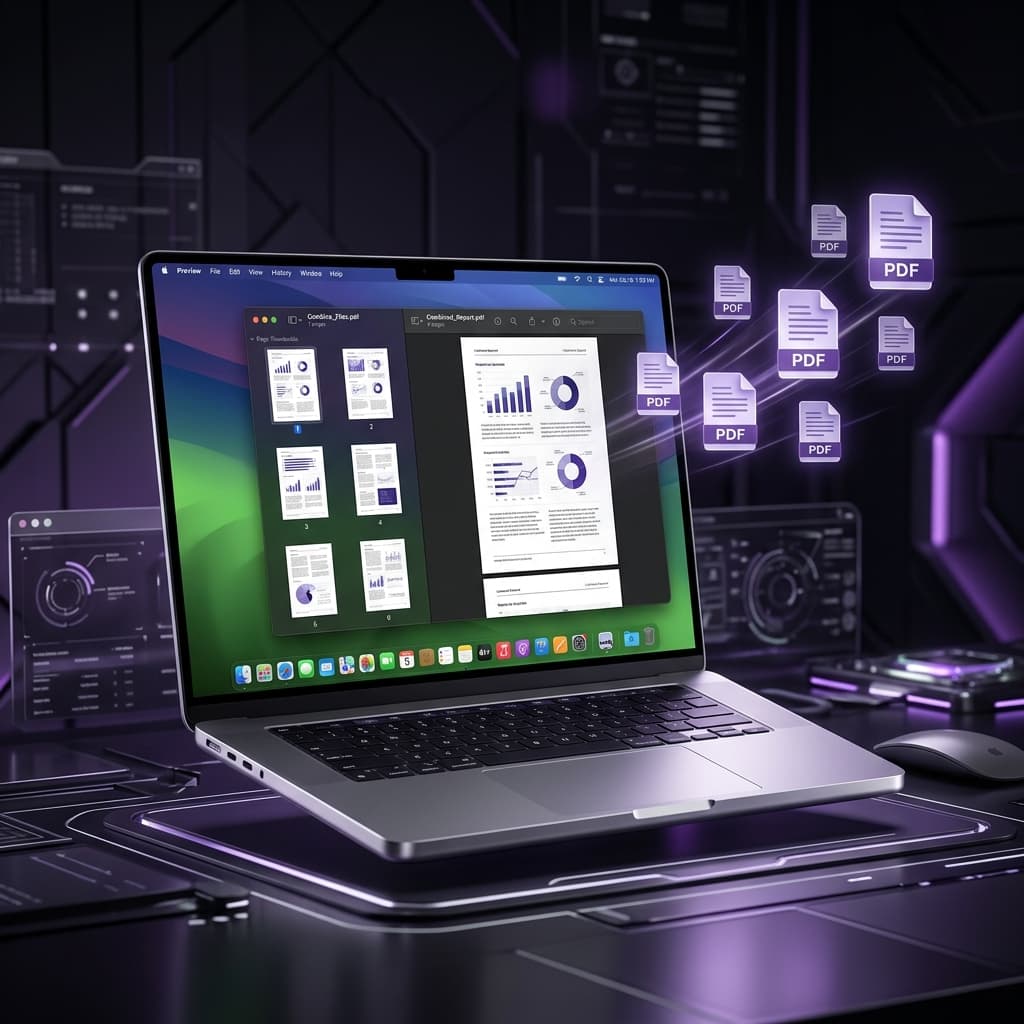
- Double-click your primary PDF file to open it in Preview.
- Click View Menu → Thumbnails (⌥ + ⌘ + 2) to show the sidebar.
- In Finder, drag the second PDF and drop it directly onto the thumbnails sidebar of Preview.
- To reorder pages, drag any thumbnail up or down in the sidebar.
- Click File → Export as PDF... (⌘ + S) to save.
Method 2: macOS Finder Quick Actions (1-Click Merging)
- Open Finder and select the multiple PDF files you want to combine.
- Right-click (or Control-click) on the selected files.
- Hover over Quick Actions → click Create PDF.
Method 3: Free PDF Combine in Browser
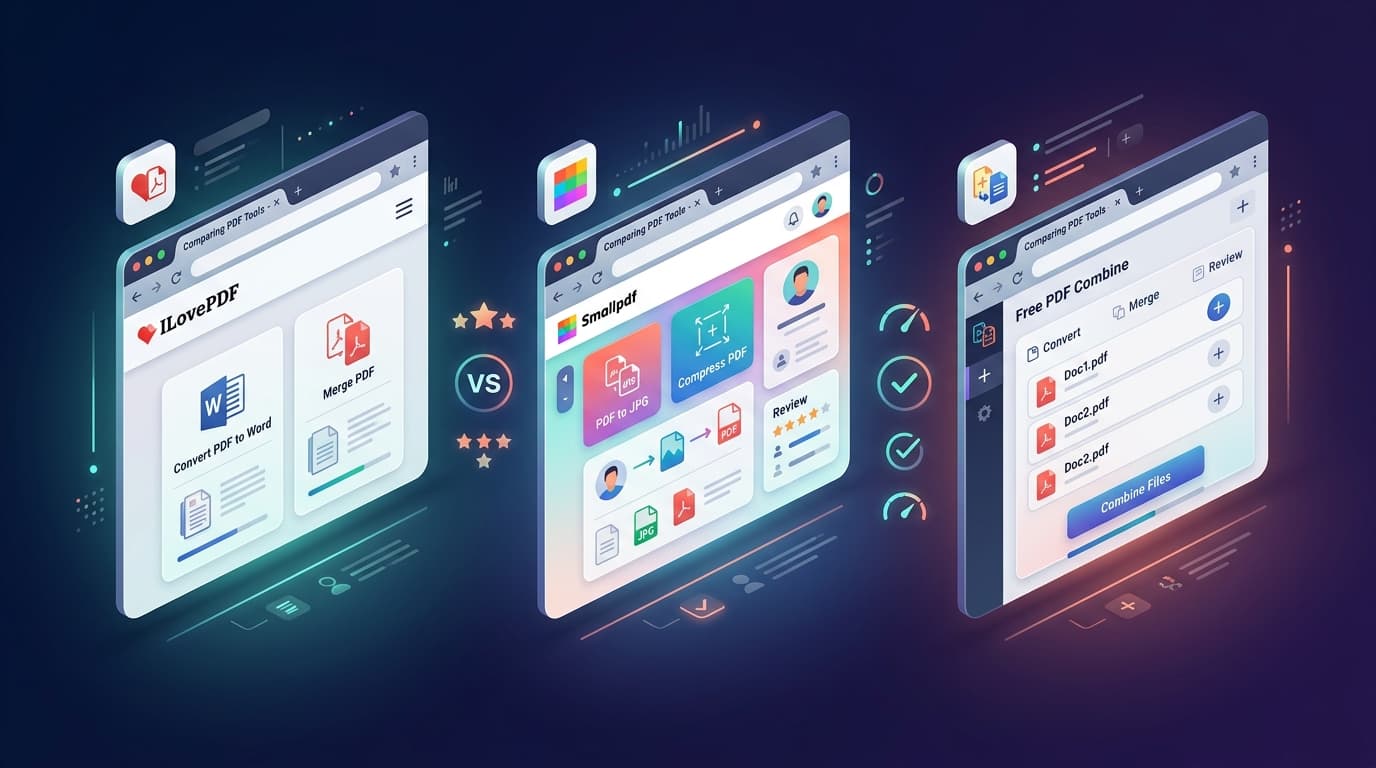
Open Free PDF Combine in Safari or Chrome. Drag and drop your documents, adjust the sequence, and download the combined PDF in under 3 seconds.