Students face strict assignment upload limits on Canvas, Blackboard, and Moodle, and frequently need to combine lecture slides, split readings, and compress term papers. Here are the best free, privacy-first PDF tools designed for student academic success.
Top 5 Student PDF Workflows
- Merging Multi-Part Homework Assignments: Combining typed lab reports with scanned handwritten calculation pages into a single submission PDF using Merge PDF.
- Shrinking Heavy Presentations for Portal Limits: Compressing 50MB slide decks down to under 5MB to comply with learning management system quotas via Compress PDF.
- Splitting Textbook Reading Assignments: Extracting specific chapters from large textbooks via Split PDF.
- Converting Smartphone Photo Scans to Clean PDF: Using Image to PDF to turn phone photos of handwritten notes into readable PDF sheets.
- Protecting Research Integrity: Avoiding cloud-based converters that scrape student academic data and research drafts.
The Top Free Student Tools Reviewed
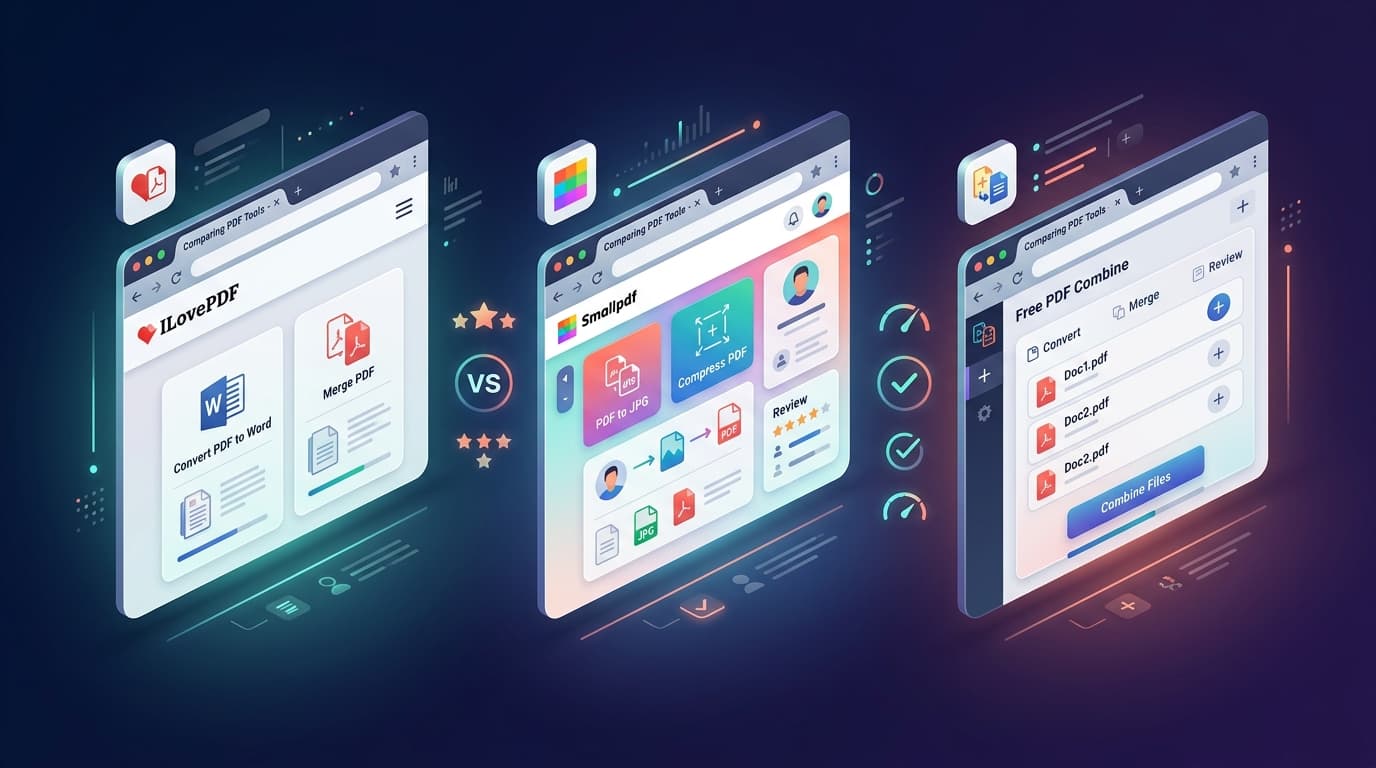
1. Free PDF CombineRating: 9.9/10
The best overall utility for students. It requires no signup, adds zero watermarks, has no daily task limits, and runs 100% locally in browser memory so private term papers are never uploaded.
2. Zotero PDF ReaderRating: 9.2/10
The gold standard open-source academic citation and PDF annotation tool. Perfect for organizing research papers and extracting bibliographic metadata.